Have you ever clicked “Send” and immediately realized there was a mistake in your email? It happens more often than most people admit. Whether you forgot an attachment, included incorrect information, or accidentally sent a message to the wrong person, the panic can feel instant.
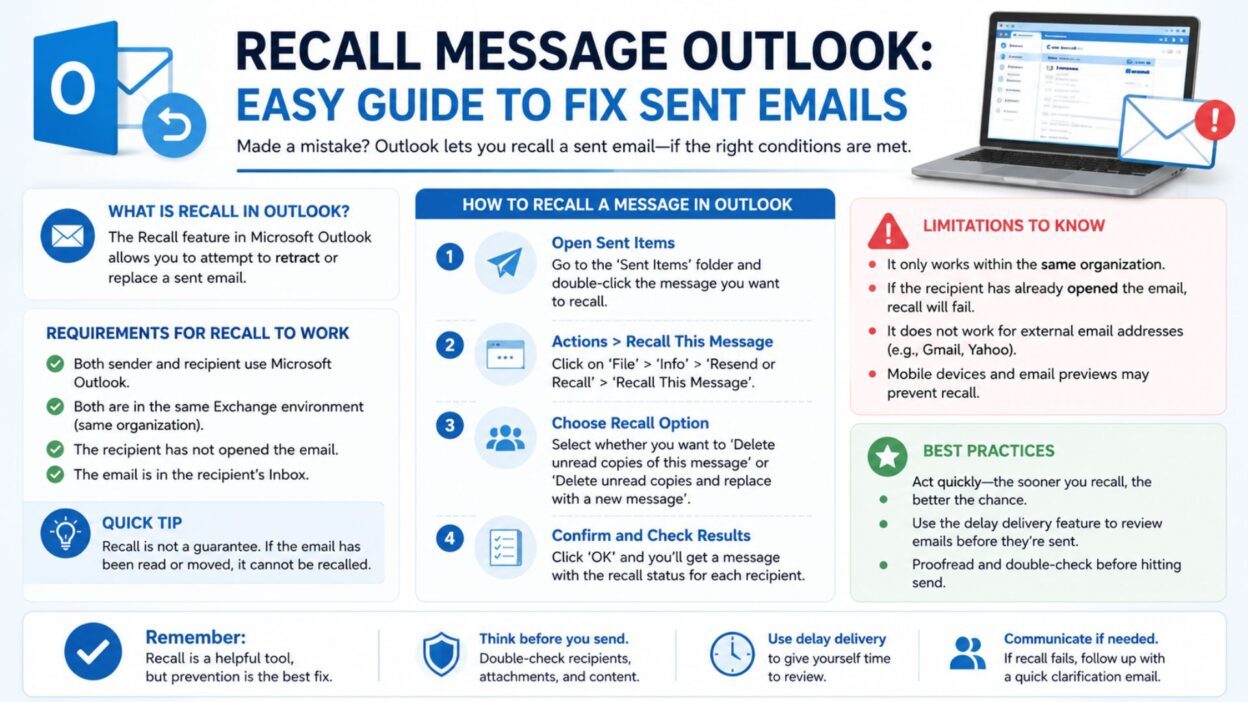
Fortunately, the recall message Outlook feature can help in certain situations. While it does not work in every case, it gives users a chance to retrieve or replace a sent email before the recipient reads it. Even when an email recall fails, sending a professional follow-up message can help correct the situation quickly.
This guide covers helpful recall message examples, short apology messages, and copy-paste-ready text you can use when managing email mistakes in Outlook. Whether you use Outlook for work, school, or personal communication, these examples can help you respond confidently and professionally.
Top Recall Message Outlook Messages
When an email needs correction, a clear and professional message makes a big difference. Use these examples as inspiration for your follow-up communication.
- Please disregard my previous email, as it contained incorrect information.
- Kindly ignore the last message and refer to the updated version attached here.
- I apologize for the confusion. Please use the corrected details provided below.
- The previous email was sent in error. Kindly disregard it.
- Please delete my earlier email and review the updated information instead.
- An incorrect version was sent earlier. Please find the revised copy attached.
- Thank you for your understanding. The previous message should be ignored.
- I would appreciate it if you could disregard the email sent earlier today.
- My apologies for the oversight. Here is the correct information.
- The earlier email included an error. Please refer to this updated message.
- Please ignore my previous correspondence and use this version moving forward.
- A mistake was identified after sending the earlier email. Here is the correction.
- The attachment in my previous email was incorrect. Please use the file attached here.
- I sent the message prematurely. Kindly review the updated version instead.
- Thank you for your patience. This email contains the accurate information.
- Please accept my apologies and disregard the earlier communication.
- The previous email was incomplete. Here is the full information.
- Kindly replace my earlier email with this corrected version.
- I appreciate your understanding regarding this correction.
- Please consider this email the official version of my message.
- My earlier email contained outdated details. Please review this update.
- A correction was necessary, and the accurate information is provided below.
- Please disregard the previous email due to an editing error.
- The wrong attachment was included earlier. The correct file is attached here.
- Thank you for overlooking the previous message and reviewing this update.
Short Recall Message Outlook Messages
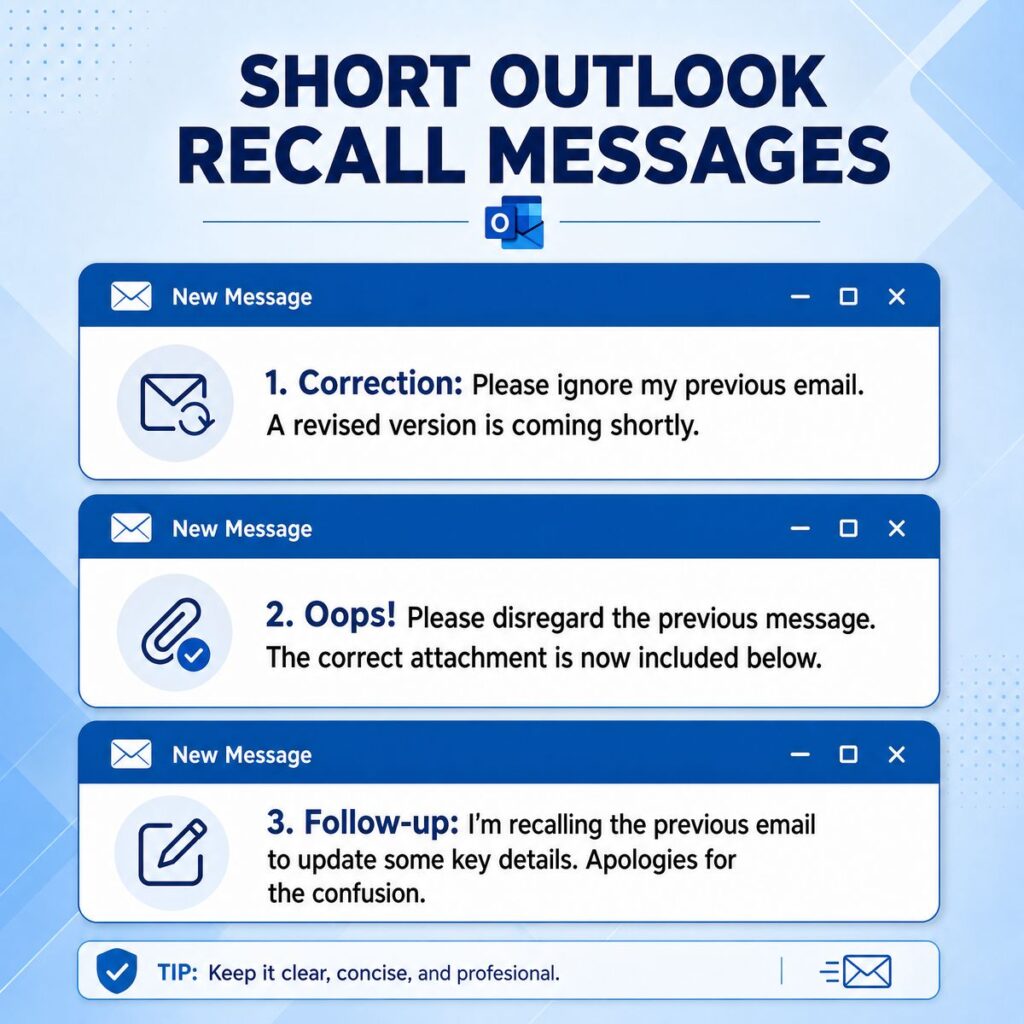
Sometimes a quick and direct message is the best solution. These short examples are ideal for professional communication.
- Please ignore my previous email.
- Kindly disregard the earlier message.
- My apologies for the mistake.
- Please use this corrected version.
- The previous email was sent in error.
- Please review the updated information.
- The earlier message contained an error.
- Kindly delete my last email.
- Please refer to this email instead.
- The correct attachment is included here.
- Sorry for the confusion.
- Thank you for your understanding.
- Please ignore the previous attachment.
- This email replaces my earlier message.
- The earlier information was incorrect.
- Please use the revised details.
- My previous email was incomplete.
- Kindly review this correction.
- This message contains the updated information.
- Thank you for your patience.
- Please disregard the earlier version.
- An update was required.
- Here is the corrected document.
- Please ignore the previous communication.
- This is the accurate version.
Best Recall Message Outlook Messages for Sharing
These professional and polite messages are suitable for workplace communication and business correspondence.
- I recently noticed an error in my previous email. Please refer to this corrected version instead.
- Thank you for your understanding as I correct the information sent earlier.
- I appreciate your patience while I provide the updated details.
- Please disregard the previous email and review the revised information below.
- My earlier message contained an oversight that has now been corrected.
- To avoid any confusion, please ignore the previous communication.
- The information shared earlier was incomplete. This email contains the full details.
- I apologize for any inconvenience caused by the earlier message.
- The attachment previously sent was incorrect. Please use the one attached here.
- Thank you for allowing me to clarify the information provided earlier.
- Please consider this email the most accurate and updated version.
- I wanted to quickly correct an error from my previous message.
- The earlier email should no longer be considered valid.
- Kindly use the information in this message for future reference.
- I appreciate your cooperation regarding this correction.
- Thank you for reviewing this updated communication.
- My apologies for sending the incorrect version earlier.
- This follow-up email contains the correct details.
- To ensure accuracy, please disregard the earlier message.
- I regret the confusion and appreciate your understanding.
- Please use this version in place of the previous email.
- Thank you for your flexibility while I correct this mistake.
- The updated information below should be considered final.
- I sincerely apologize for the oversight in my earlier email.
- Please review the revised details at your convenience.
One-Line Recall Message Outlook Messages
Sometimes you need a fast correction without writing a long explanation. These one-line recall message Outlook examples are short, professional, and easy to send.
- Please disregard my previous email and refer to this updated version.
- Kindly ignore the earlier message due to an error.
- My apologies, the previous email was sent by mistake.
- Please use the corrected information provided here.
- The earlier email contained inaccurate details.
- Kindly delete my last message and review this one.
- Please ignore the previous attachment and use the new file.
- Thank you for your understanding regarding this correction.
- The previous email should no longer be considered valid.
- Please refer to this message for the correct information.
- I appreciate your patience while I correct my earlier email.
- The email sent earlier was incomplete and should be disregarded.
- Please use this revised version moving forward.
- My previous message contained an oversight that has been corrected.
- Kindly review the updated details in this email.
- The wrong document was attached previously.
- Please accept this message as the correct version.
- The information in my earlier email has been updated.
- I apologize for any confusion caused by the previous message.
- This email replaces my earlier communication.
- Kindly ignore the information shared in the last email.
- Please review the revised content below.
- The earlier message was sent unintentionally.
- Thank you for overlooking the previous email.
- This is the most accurate and updated version.
Best Messages for Captions
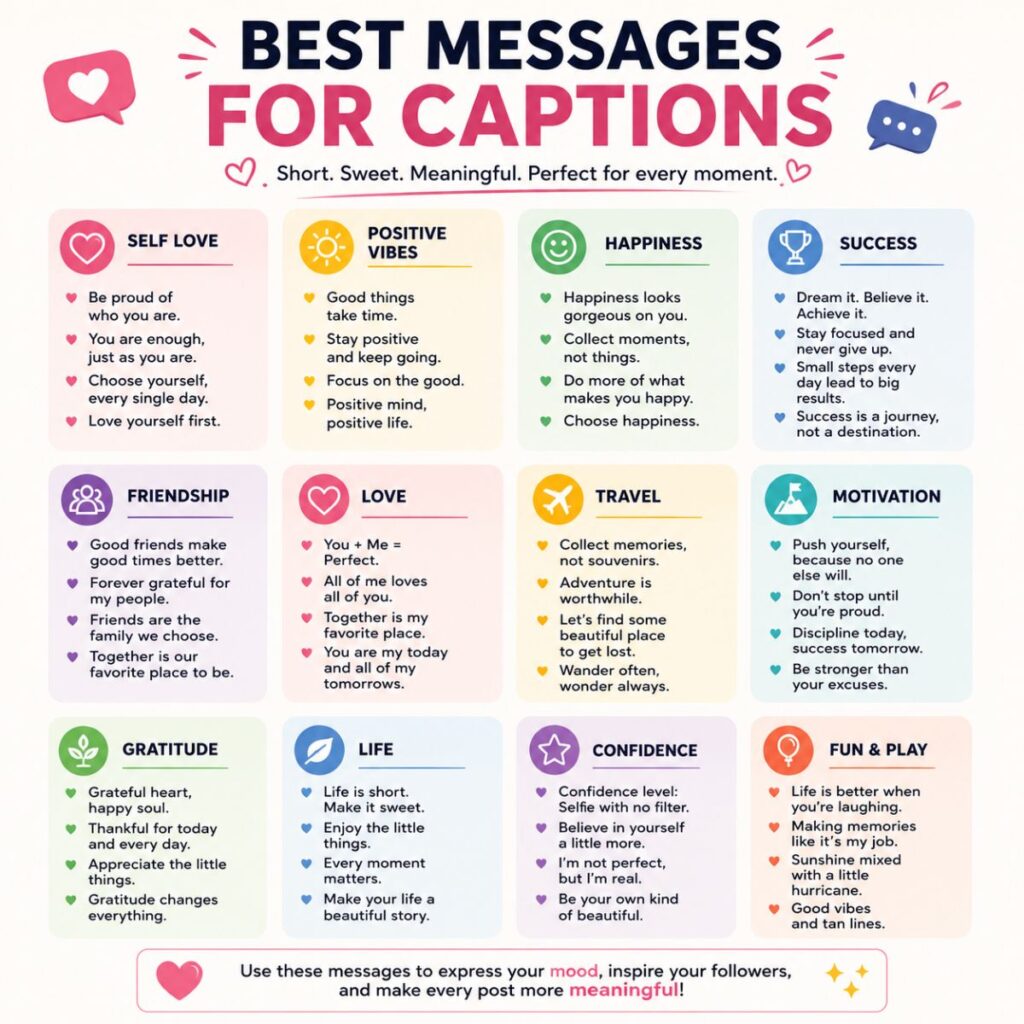
If you are sharing workplace tips, Outlook advice, or email management content on social media, these caption-style messages can help.
Before sending an email, always double-check the details. However, if a mistake happens, Outlook’s recall feature may help save the day.
- A simple recall can turn an email mistake into a quick fix.
- Everyone sends the wrong email sometimes; what matters is correcting it professionally.
- Outlook recall is proof that second chances exist in business communication.
- One click can send an email, but one correction can protect your professionalism.
- Smart communication includes knowing how to fix mistakes.
- Email errors happen, but handling them well leaves a positive impression.
- Professionalism is not avoiding mistakes; it is correcting them quickly.
- A thoughtful follow-up message can prevent confusion.
- The best email recovery tool is a polite correction.
- Clear communication always wins.
- Quick action can turn an email mistake into a minor issue.
- Correcting an error shows responsibility and attention to detail.
- Confidence grows when you know how to fix communication mistakes.
- Every professional should know how Outlook recall works.
- Email recalls may not always succeed, but professional follow-ups do.
- Communication improves when corrections are clear and respectful.
- A small correction today can prevent bigger misunderstandings tomorrow.
- Professional email habits build trust over time.
- Taking responsibility for mistakes strengthens credibility.
- Sometimes the most important email is the correction email.
Copy-Paste Ready Messages
Need something you can send immediately? These ready-made messages are designed for common Outlook recall situations.
Wrong Attachment Message
- Hello, please disregard my previous email. I accidentally attached the wrong file. The correct attachment is included with this message. Thank you for your understanding.
Incorrect Information Message
- I would like to correct information shared in my previous email. Please ignore the earlier version and refer to the updated details below. Thank you.
Sent Too Early Message
- My apologies. The previous email was sent before it was finalized. Please disregard it and review this updated version instead.
Wrong Recipient Message
- I apologize for the confusion. The previous email was sent to you in error. Kindly disregard and delete the message. Thank you.
Missing Attachment Message
- Thank you for your patience. The attachment referenced in my previous email was accidentally omitted. Please find it attached here.
Updated Document Message
- Please ignore the earlier document and use the revised version attached to this email. I appreciate your understanding.
Team Correction Message
- Team, please disregard my previous email. An updated version with accurate information is provided below. Thank you.
Client Correction Message
- Dear Client, I apologize for the oversight in my earlier email. Please refer to this corrected information moving forward.
Meeting Information Correction
- Please disregard the meeting details in my previous email. The correct date and time are included in this message.
Final Clarification Message
- To avoid any confusion, please ignore my earlier email and use the information contained in this updated message.
Frequently Asked Questions About Recall Message Outlook
Can I recall a message in Outlook after sending it?
- Yes, Outlook offers a recall feature for certain Microsoft Exchange and Microsoft 365 accounts. However, the recall only works under specific conditions, such as when the recipient has not yet opened the email.
Does Outlook message recall always work?
- No, message recall is not guaranteed. If the recipient has already read the email or uses a different email system, the recall may fail.
What should I do if Outlook recall fails?
- If the recall is unsuccessful, send a polite correction or follow-up email immediately. A clear explanation can help prevent misunderstandings.
Can I replace a recalled email with a new one?
- Yes, Outlook allows you to replace a recalled message with an updated version in supported environments.
Is it professional to send a correction email?
- Absolutely. Promptly correcting a mistake shows responsibility, professionalism, and respect for the recipient’s time.
Conclusion
Email mistakes happen to everyone. Whether you forget an attachment, send outdated information, or accidentally email the wrong person, acting quickly can make a significant difference. The recall message Outlook feature provides a useful way to attempt to retrieve or replace a sent email, but it is not always successful. That is why having a professional follow-up message ready is equally important.
The examples in this guide are designed to help you communicate clearly, politely, and confidently whenever an email correction is needed. From short one-line messages to detailed copy-paste templates, these options can save time while maintaining professionalism.
Keep these recall message Outlook examples handy for future use. A well-written correction can reduce confusion, protect your credibility, and help ensure that important communication stays accurate. Sometimes, a simple follow-up message is all it takes to turn an email mistake into a positive display of professionalism and accountability.

Awais Bilal is the author of Messagesfy, sharing simple and meaningful messages, quotes, and wishes to help people express their feelings easily.